The spreadsheet running alongside your CMMS

CEO & Data Architect
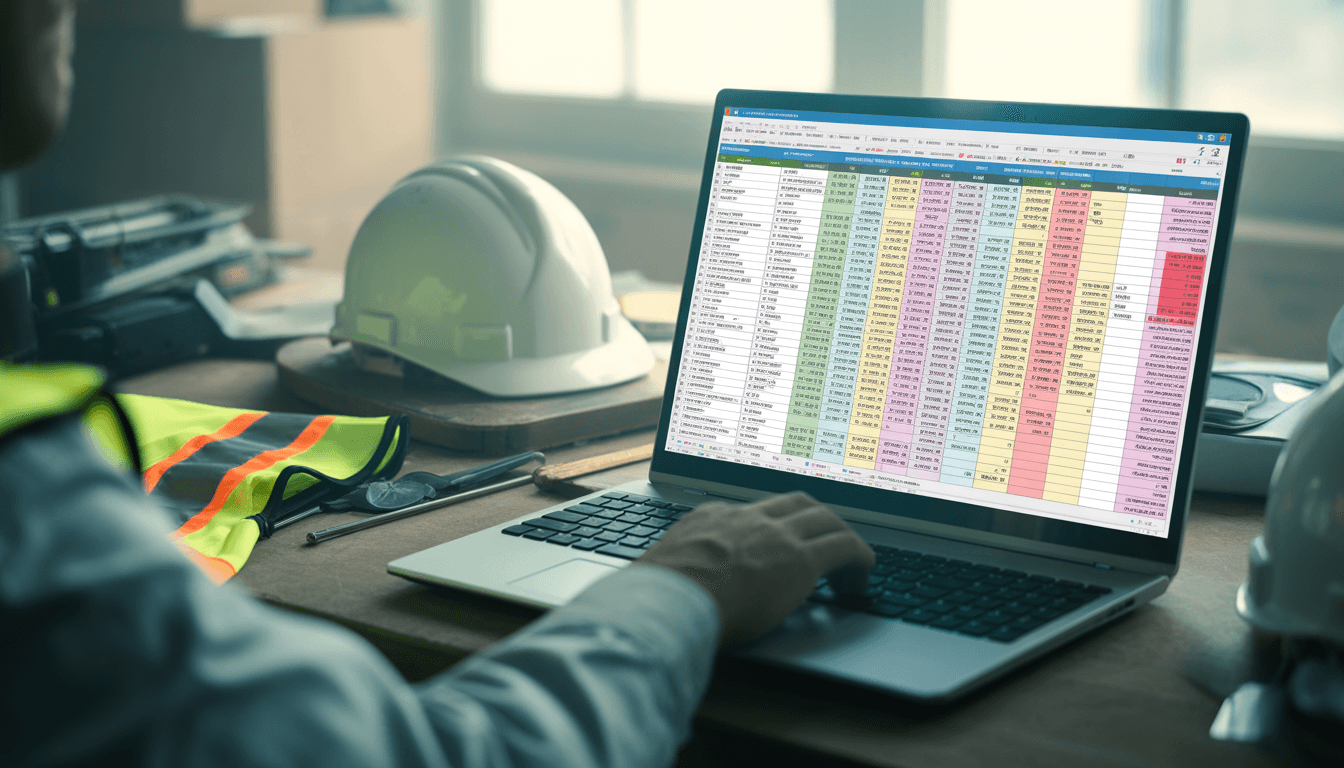
What “good enough for now” is really costing you
There’s a spreadsheet somewhere in your organisation that’s quietly causing problems. You probably know which one. It’s not your asset register or your work orders; those live in the CMMS. It’s the other one. It’s the list of things that have been flagged but not yet dealt with: the anomalies someone’s “keeping an eye on,” and the analyst findings that came in by email and needed somewhere to go.
Three people edited it this month. A column was added six months ago and nobody’s quite sure what it tracks anymore. And it’s the file you open every time someone asks what’s happening with a recurring problem.
Good enough for now
You know its limitations, and you’ve built workarounds around them. Nothing’s gone badly wrong yet. It’s held together partly by process and partly by two or three people who’ve been there long enough to know how it all fits together.
Spreadsheets didn’t fail you. They did what they’re designed to do: they’re flexible, familiar and free. When your CMMS had no natural home for half-investigated findings, a spreadsheet was the obvious fill-in. The problem is that the fill-in quietly became a system, without anyone deciding it should.
Most maintenance teams are in this position. They’re not in crisis, and they’re not unaware of the problem. But they haven’t reached the point where changing feels cheaper than staying put. That’s a reasonable place to be. It’s also worth examining honestly, because the costs are real. They just don’t show up anywhere you’d look.
Which version is the real one?
Suppose someone asked right now what happened to an anomaly flagged on a specific pump last month. How confident are you in the answer they’d find? Is the copy on the shared drive the latest, or was it updated on someone’s laptop last week? Did the follow-up happen in the spreadsheet, in an email thread, or in a conversation nobody wrote down? These aren’t edge cases. They’re the everyday reality of tracking investigation work in a file.
The one person who understands it
Most teams that rely on a findings spreadsheet also rely, without realising it, on one person who understands it. That person knows which tab is current, what the colour coding means, and which items were deliberately closed rather than just forgotten. That knowledge lives in their head. When they’re on leave, or leave the business, the spreadsheet becomes archaeology.
“What happened to it?”
A spreadsheet can tell you something was raised. It’s much worse at telling you how it ended. Was it fixed? Was it looked at and found to be nothing? Or did it just stop being updated? Those three outcomes look identical in a row with a blank status column. They mean completely different things when a breakdown happens and someone asks whether it had already been spotted.
The time you’re not counting
Then there’s the overhead. People get chased for updates before every management meeting. The spreadsheet gets cross-referenced against the CMMS. The same summary gets rebuilt by hand each month. Nobody invoices you for that time, so it never appears in a cost comparison.
It adds up quickly. Say two people spend a combined three hours a week keeping the spreadsheet current. That’s over 150 hours a year, more than four working weeks, spent on work a properly structured system does as a by-product.
The answers you can’t get
The bigger cost is what the spreadsheet can’t tell you:
Which downtime events had already been flagged before they happened?
What share of findings actually reach a decision?
Which alerts keep turning out to be nothing, yet get chased again every quarter?
Which root causes recur across assets or sites?
These questions are the difference between running maintenance reactively and running it with evidence. The raw material to answer them already exists in your team’s work. The spreadsheet just can’t hold it in a shape you can query.
Not a bigger CMMS. A proper home for the missing step.
None of this means you need a bigger CMMS, a six-month project or an IT team. Your CMMS is doing its job; it just starts at the work order. The spreadsheet exists because the investigation work before that point has nowhere else to live.
AssetDriver | Findings gives that step a proper home. Every finding is captured, investigated and closed with a clear outcome: resolved, cleared or no fault found. Work orders are raised directly or passed to the CMMS you already run. Each client’s data sits in its own dedicated database, so the history you build is yours, structured and ready for Power BI or whatever analysis comes next.
The spreadsheet got you here. It’s not the right vehicle for where you’re going.